
Quick Answer
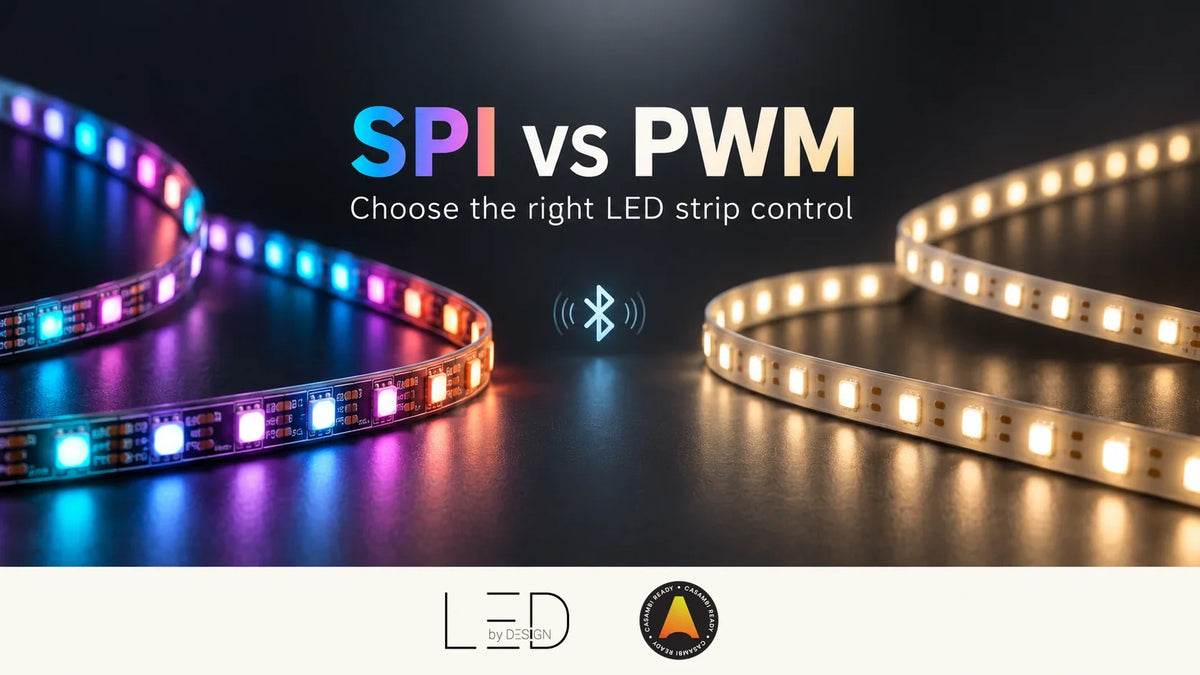
Choose an SPI controller for a compatible addressable LED strip when you need patterns or different colours along its length. Choose a PWM controller for a conventional constant-voltage strip when connected sections should dim or change colour together. Casambi provides wireless control; it does not make these two strip interfaces interchangeable. Match the strip, controller, power supply and intended effect before ordering.
Start with the lighting effect, then check the strip
A softly dimmed ceiling cove and a moving colour effect across a reception feature can both use LED strips, yet require different control hardware. The practical question is whether the light should behave as one continuous zone or display different states at different positions. Answer that before comparing controller prices or counting terminals.
This guide compares the roles of LED BY DESIGN’s SPI and PWM products. It does not replace the wiring diagram for your exact model. If you are still choosing between other interfaces, start with our Casambi controller buying guide.
What is the difference between SPI and PWM control?
In this comparison, SPI refers to the digital pixel-control interface used by the addressable strip controller. It sends instructions to compatible driver ICs on the strip. PWM, or pulse-width modulation, varies the on-time of a power output to adjust brightness on a conventional strip channel. These names describe the controller-to-light connection, not competing wireless networks.
An addressable strip can contain controllable pixels or groups of LEDs. One physical LED package does not always equal one independently controlled pixel. Check the strip documentation when planning effects. On a conventional RGB strip, the red, green and blue channels combine to produce a colour across the connected run; they do not independently select the colour of each position.
| Buying question | SPI controller | PWM controller |
|---|---|---|
| Which strip type? | Compatible digital, addressable strip | Compatible conventional constant-voltage strip |
| What changes? | Pixel or segment behaviour through supported programs | Brightness of connected output channels |
| Typical brief | Chases, sequences and spatial colour effects | Uniform dimming, white-light or colour control |
| Critical compatibility checks | IC model, colour format, pixel count, supply and data requirements | Voltage, channel configuration, total and per-channel load |
| Does it replace the power supply? | No | No |
When should you consider the LBD SPI controller?
Consider the LBD SPI Controller CE product listing when the design calls for addressable RGB or RGBW effects. Casambi’s official ecosystem entry describes preset programs with adjustable chase speed and dimming, as well as static operation. That makes the product a candidate for decorative features where movement is part of the brief, rather than an assumption that every installation needs animation.
For example, a retail display could use a restrained colour sequence during an event and a static setting during normal opening hours. Agree on the intended behaviour with the client before specifying hardware. A request for “pixel control” can mean anything from a preset chase to individually authored content; do not assume those workflows are equivalent.
The published LBD listing names specific supported strip ICs. Confirm the exact IC and RGB/RGBW format of the strip you intend to purchase, rather than relying on a label such as “digital RGB”. Do not assume that an unlisted IC works because its connector looks similar. For custom effects, ask which patterns and controls the particular controller and app profile expose.
When is a PWM controller the better fit?
Consider PWM when the brief is uniform dimming or colour adjustment across a connected conventional strip. Examples include a shelf light that dims as one zone, a colour-changing perimeter, or a white-light installation with a suitable channel configuration. Separately controlled areas need an appropriate control arrangement; adding more physical strip does not automatically create independent zones.
The PWM5 Pro CE product listing identifies a five-channel dimmer for constant-voltage LED loads, installed between a DC power supply and the lighting load. Check its current model documentation for the voltage range, combined output limit and per-channel limit. The combined rating must not be multiplied by the number of channels.
Once PWM is the right interface, our PWM2 Pro versus PWM5 Pro comparison helps narrow the channel-count decision. Choosing between those models is a different question from choosing between an addressable strip and a conventional one.
Five checks before you buy
1. Get the strip’s exact identity
Request the model number and datasheet. Record whether it is addressable or conventional, its operating voltage, colour arrangement and power demand. For addressable products, also record the IC, pixel grouping and direction of data flow. A photograph or the word “RGB” is not enough to select a controller.
2. Separate data voltage from lighting power
A digital signal rating is not necessarily the strip supply rating. The LBD SPI1 manual labels its data output separately from its DC input/output power path. Read those labels in the actual wiring diagram; do not interpret a short specification-table entry as permission to connect an arbitrary strip voltage. Ask LBD to confirm any ambiguity before purchase.
3. Check both electrical capacity and the installation
Size the power supply and distribution for the selected strip and its full intended operating conditions. Controller capacity is only one constraint: cable sizing, voltage drop, connections, mounting and thermal conditions also matter. A long run may need a different power-distribution design even when the controller’s headline rating appears sufficient. Use the relevant manuals and a qualified installer for the final design.
4. Confirm the control profile
For SPI1, the manufacturer’s setup sequence calls for choosing RGB or RGBW before adding the device to the network, then setting the connected pixel count and correct IC model. Follow the current manual for your revision. For PWM, confirm the available profile matches the intended strip channels and user controls. A mismatch can produce confusing behaviour even when the wiring is otherwise correct.
5. Test a representative sample
Test the actual strip and controller combination before ordering for a large project. Review low-level dimming, colours, chosen effects and the intended switch or scene behaviour. Keep a record of model numbers, profiles and settings. A short demonstration is useful, but it does not validate the cable lengths or thermal conditions of the final installation.
Where does Casambi fit?
Casambi is the control layer that lets the compatible device participate in the lighting system. The controller then translates the requested behaviour into the output its load needs. Sharing a Casambi network does not turn a PWM output into an addressable data output, and it does not remove the need for power wiring. Our guide to Casambi mesh explains the wireless side separately.
For a mixed project, specify each load on its own merits. An architectural cove might use PWM while a decorative addressable feature uses SPI. Plan the user experience around useful scenes and clearly named zones, then verify which actions each installed device supports.
What to send LED BY DESIGN for a recommendation
Send the strip datasheet, total run lengths, desired zones, voltage, intended effects and installation environment. Include the IC and pixel count for addressable strips. Mention whether you need a static colour, preset animation or a more specialised content workflow. This gives LED BY DESIGN a concrete basis for checking a suitable product and identifying missing information.
For this buying decision, the most useful distinction is simple: choose the light behaviour you need, then match the strip interface and exact device specifications. Neither SPI nor PWM is universally better; the suitable choice is the one that supports the load and the intended result without unnecessary complexity.
Key Takeaways
- SPI and PWM address different LED-strip interfaces.
- Addressable effects require a supported strip IC and configuration.
- PWM channels control connected conventional strip loads together.
- The controller, power supply and strip must be selected as a compatible system.
- Verify exact model documentation and test before scaling up.
Frequently Asked Questions
Can I connect an addressable strip to a PWM controller?
Do not treat them as interchangeable. An addressable strip needs the supported data interface and power arrangement specified by its manufacturer. A conventional PWM dimmer does not supply pixel instructions.
Can an SPI strip display a static colour?
The official Casambi entry for LBD’s SPI controller describes static operation alongside preset effects. Confirm the supported strip and profile for your intended RGB or RGBW setup.
Does RGB mean a strip is addressable?
No. RGB describes its colour channels. Both conventional and addressable strips can be RGB. Check the IC and interface documentation.
Does a Casambi controller include the power supply?
Do not assume that it does. The products discussed here require an appropriate DC supply. Confirm the complete system and supplied components before ordering.
Can I use any addressable IC with the LBD SPI controller?
No universal compatibility is claimed. Match the exact IC to the product’s supported list and confirm the required profile. Similar names or connectors are not proof of compatibility.
Which controller is best for a simple ceiling cove?
For a conventional constant-voltage strip that dims as one zone, a suitable PWM controller is usually the straightforward starting point. If the design requires moving patterns along the cove, investigate a compatible addressable strip and SPI controller instead.
Official references
- Casambi ecosystem: LED BY DESIGN SPI controller
- LED BY DESIGN SPI1 user manual
- Casambi ecosystem: PWM5-Pro — consult the exact current LBD variant documentation for electrical ratings.
Product information checked on 15 October 2026. Specifications and available profiles can change; confirm the documentation for the supplied model and revision.
0 comments