
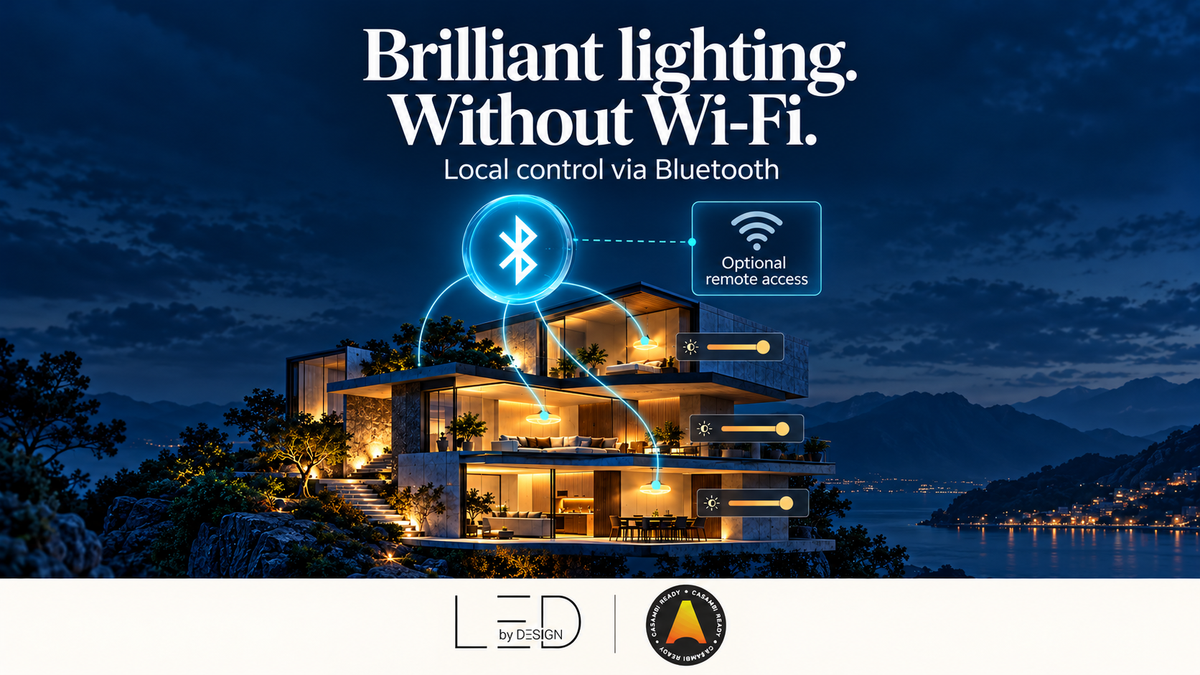
Quick Answer: Casambi does not need Wi-Fi or internet for normal local lighting control. Your phone communicates with the lighting network through Bluetooth Low Energy, while compatible devices exchange commands through Casambi’s mesh. Internet is useful for cloud backups, downloads and remote access. Controlling lights from outside the building requires a suitable gateway and an internet connection.
Key takeaways
- Local Casambi lighting control works without a Wi-Fi router or broadband service.
- Bluetooth must be available on your phone when you control the network locally through the app.
- A cloud backup and an always-connected remote gateway serve different purposes.
- Internet outages and electrical power failures have different effects.
- Specify and test everyday local controls separately from remote features.
What connection does Casambi actually use?
Three terms often get mixed together when people discuss smart lighting: Bluetooth, Wi-Fi and internet. Bluetooth provides a nearby wireless connection. Wi-Fi connects equipment to a local wireless network, usually through a router. Internet access connects that network to services beyond the building. A Wi-Fi network can exist even when its broadband connection is down.
Casambi uses Bluetooth Low Energy between a mobile device and nearby compatible lighting equipment. Its specialised mesh carries information between network devices. A homeowner does not need to connect each Casambi controller to the home Wi-Fi network to dim lights locally. Devices are discovered and configured inside the Casambi app, rather than paired like headphones through the phone’s usual Bluetooth settings. See Casambi’s network and pairing explanation.
If you are new to the system, begin with our introduction to Casambi lighting control. For the way commands travel between devices, read how Casambi mesh works.
Which features need internet?
| Task | Connection needed | Project consideration |
|---|---|---|
| Dim lights locally through the app | Bluetooth access to the configured network | Keep the phone within reach of a suitable node and use authorised network access. |
| Use configured local switches and sensors | Their supported connection to the lighting system | Confirm the exact device and control configuration. |
| Save network information to the cloud | Internet during the cloud operation | Plan backup and sharing at handover. |
| Download the app or update files | Internet for the relevant download | Prepare the commissioning phone before visiting an offline site. |
| Control the building from elsewhere | Suitable gateway, internet and authorised remote access | Document power, connectivity, ownership and maintenance. |
This distinction is useful when reviewing a quotation. Ask which functions are local, which use the cloud and what equipment supports each one. A statement such as “smartphone controlled” does not explain whether a particular operation remains available during an internet outage.
What happens when broadband or Wi-Fi stops working?
Configured local Casambi control can continue during an internet outage because normal operation is not routed through a cloud server. Your phone still needs Bluetooth enabled and access to the lighting network. A configured compatible wall control can also provide everyday operation without making occupants depend on their phones. Casambi describes ordinary operation as independent of internet connectivity in its system security whitepaper.
Remote services are different. If the gateway loses its internet path, a person outside local Bluetooth range cannot expect that cloud connection to continue. The room lighting and its remote interface should therefore be tested as separate functions.
An electrical outage is another matter. Wireless control does not supply energy to a luminaire. A controller, driver or gateway that loses power cannot perform its usual powered function. Do not describe offline operation as protection against a mains failure; any backup-power or emergency-lighting requirement needs its own design.
Can you set up Casambi at a site with no broadband?
Casambi’s system overview describes standalone network operation and local app communication over Bluetooth. However, arrive prepared: install the app, confirm device support and obtain any files or updates needed for the job before relying on an offline visit. Do not assume every download, account operation or cloud feature will be available without a connection.
Network sharing and backup deserve deliberate attention. Casambi recommends saving a cloud backup for future access and work from multiple mobile devices. Creating that backup needs internet at the time; having a backup does not make the lighting dependent on a continuous internet connection afterward. See the official system overview.
For a new-build home awaiting broadband, a practical sequence is to agree local scenes and controls first, commission the supported local functions, then complete cloud backup and remote-access checks when a connection is available. Record any unfinished steps clearly before handing over the property.
When do you need a gateway?
A gateway is relevant when you want to reach the lighting network from beyond local Bluetooth range through the internet. Examples include a facilities manager checking a property from elsewhere or an owner requesting supported remote control while travelling. It provides a connection between the local system and the remote service.
The gateway needs power, a suitable connection to the Casambi network and internet connectivity for cloud access. Casambi’s dedicated Cloud Gateway supports Ethernet and Wi-Fi, so even a remote installation does not necessarily require a wireless router connection at the gateway. Confirm firmware and network compatibility against the selected product’s documentation. See Casambi Cloud Gateway specifications.
The Casambi app guide also describes a phone or tablet gateway option for temporary access or troubleshooting. That arrangement depends on the device remaining powered, connected and running the app. A commissioning phone should not quietly become the permanent remote-access plan. Agree the intended hardware and operating conditions with the installer.
Does a cloud backup provide remote control?
No. Saving configuration information online and maintaining a live path into the building are separate jobs. A cloud backup helps preserve network information and supports the appropriate sharing workflow. It does not replace an operating gateway for remote access.
Casambi’s gateway guidance also specifies sharing requirements: gateway use requires an appropriately shared network, such as administrator-only or password-protected access. Check the current instructions for your network and gateway rather than assuming that any sharing mode is suitable.
A practical offline-operation test
Before handover, arrange a short test with the installer and the person responsible for the building’s internet connection. Avoid disrupting unrelated business systems. Keep power to the lighting equipment on throughout the internet test.
- Record the scenes, switches, sensors and app actions expected to work locally.
- Confirm those actions with the normal internet connection available.
- Disconnect the agreed internet path without switching off lighting power.
- With Bluetooth still enabled, repeat local app commands from normal user locations.
- Check configured wall controls and relevant sensor behaviour.
- Identify which remote functions are unavailable, then restore the connection and test recovery.
- Record results, administrator ownership and any outstanding issues.
If a local command fails, check power, Bluetooth permissions, network access and radio reach before blaming the broadband service. Dense walls, metal housings and equipment position can affect wireless communication even when the internet works perfectly.
What should you ask before buying controllers?
Start with the lighting load and required behaviour. Internet independence does not tell you whether a controller suits a particular driver, LED strip, voltage or channel arrangement. Our Casambi controller buying guide explains the selection questions.
For your brief to LED BY DESIGN, include the room layout, driver or strip details, preferred local controls and whether remote access is required. This makes it easier to distinguish the components needed for lighting control from the additional equipment needed for remote connectivity. Verify the exact product documentation before purchase.
Frequently asked questions
Does Casambi need a Wi-Fi router?
No router is required for normal local Casambi lighting operation. A gateway’s internet connection is a separate consideration if remote access is wanted.
Can I use the Casambi app without mobile data?
Local control can work over Bluetooth without mobile data, provided the app is installed and you have the necessary network access. Downloads and cloud functions need their own internet connection.
Will changing my Wi-Fi password stop the lights working?
It should not affect ordinary local Bluetooth control. A gateway connected to that Wi-Fi network may need its connection updated before remote services work again.
Can I control Casambi while away from home?
Yes, with a suitable configured gateway, working internet connections and the required access. Bluetooth alone does not provide control from another city.
Does offline operation mean the system needs no electricity?
No. Controllers and luminaires still need their specified power supplies. Internet independence and power backup are different requirements.
Should I leave a phone on site as a gateway?
The app supports a mobile-device gateway option, particularly for temporary access or troubleshooting. Agree its suitability and ongoing power, app and connection requirements rather than assuming an unattended phone is a permanent solution.
Does a cloud backup mean I need internet all the time?
No. Internet is needed for the cloud operation; normal local lighting operation can continue without a permanent cloud connection.
0 comments